Invoice management system: 7 systems compared (2026)
Most invoice management systems are an extension: an extra room added onto the accounting software you already have. The question is whether you want to build on – or live in a house where the room was part of the drawings.
That choice matters more than the feature list. We have reviewed seven systems on the Danish market based on the vendors' own websites and compared them on four things: how the invoice is read, whether the system can pay it itself, whether it receives e-invoices, and how it is priced.
What is an invoice management system?
An invoice management system is software that takes a supplier invoice from receipt to payment. It reads the invoice, suggests coding, sends it for approval and makes sure it is paid and posted.
The system handles the invoices you receive – not the ones you send to your own customers. The whole process is described step by step in the guide to automated invoice processing.
Not all systems do all four things. Several stop at approval and pass the voucher on to your accounting software, where the payment happens. That is the most important difference to know before you compare.
The two types
All seven systems fall into one of two types. The type determines how many systems you end up maintaining.
Built into the finance system
Invoice management is part of the system you keep your books in. The invoice is read, approved, paid and posted in the same place, and there is no integration in between. In return, you have to use – or switch to – that finance system. Example: LedgerBee.
Add-on on top of the accounting software
A separate system reads and approves the invoices and passes the result on to your accounting software. You get started quickly and keep what you have. The price is two systems, two subscriptions and an integration that has to be kept alive. Examples: Corpay One, Nordflow, Digisense, Continia and Rillion.
Spend platforms such as Pleo are the same type: an add-on to your accounting software. They are built for company cards and employee expenses and include supplier invoices in the package. They fit when expenses are the main thing and the invoices are few.
7 systems compared
System — Type — Reading — Payment — E-invoice — Pricing model
LedgerBee — Built into the finance system — AI that understands the content and codes per line — Directly from the system via your own bank account — NemHandel and Peppol — Plan based on number of documents; unlimited users
Corpay One — Add-on to e-conomic, Business Central, Uniconta, Dinero and Billy, among others — Scanning of header fields; lines are switched on per supplier — From your own bank account, without online banking — EAN invoices via a Sproom account — Plan based on number of vouchers; unlimited users
Continia — Extensions to Business Central — OCR with AI line recognition and coding suggestions — Separate product: Continia Banking — NemHandel and Peppol — Use and pay per product
Nordflow — Add-on to e-conomic, Uniconta and Business Central, among others — AI reading (up to 99%) with line reading — Nordpay: payment with MitID from the system — NemHandel and Peppol — Not stated
Digisense (Digiflow) — Add-on to Business Central, NAV, C5 and e-conomic, among others — AI scanning of key fields — The voucher is transferred to the finance system; payment in Digiflow not stated — NemHandel; Peppol as an add-on — Per voucher or per module
Rillion — Add-on to Business Central, Dynamics 365 Finance and NetSuite, among others — AI at header and line level (over 95%) — Not stated on the Danish pages — Peppol; e-invoice capture as an add-on — Not public; based on invoice volume
Pleo — Add-on (spend platform) to e-conomic and Business Central, among others — OCR of header fields — From Pleo Wallet; fee per payment — Not stated (email, upload, mobile) — Per user per month
Source: The vendors' own websites, help pages and pricing pages, reviewed 7 October 2026. "Not stated" where the pages give no answer. Features and prices may have changed since. Corrections: write to rhl@ledgerbee.com.
Note the Payment column. This is where the systems differ the most. Some pay from your own bank account, one from a wallet held with the vendor, one requires an extra product, and one passes the voucher on to the finance system.
Which one suits you?
The answer depends first and foremost on which system you keep your books in – and whether you want to keep it.
Do you use e-conomic? Look at Corpay One
Corpay One sits on top of your accounting software and itself lists e-conomic among its integrations. When an invoice is approved, it is created automatically in a cash journal in e-conomic, and the same applies to the payment. You pay from your own bank account without logging in to online banking, and the price follows the number of vouchers, with unlimited users.
Be aware of two things. Invoice lines are only read for the suppliers you switch it on for yourself. And EAN invoices require an account with Sproom, which may cost extra.
Do you use Business Central? Look at Continia
Continia's solutions are built into Microsoft Dynamics 365 Business Central. Document Capture reads the invoice with OCR and AI line recognition, suggests a general ledger account based on the history, matches against purchase orders and sends it for approval in a web portal. E-invoices are received via NemHandel and Peppol.
Be aware that payment is not part of Document Capture. It sits in a separate product, Continia Banking, with its own price list. So you get two extensions on top of Business Central.
The others
- Nordflow reads invoices with AI and line reading, receives e-invoices as its own provider in NemHandel and pays with MitID through the Nordpay feature. Prices for the platform are not on the website.
- Digisense sells Digiflow, an approval flow on top of Business Central, NAV, C5 and e-conomic, among others. Approved vouchers are passed on to the finance system; in e-conomic, the payment is created there.
- Rillion targets medium-sized and large organisations. AI reads at header and line level without templates. There are no public prices, a set-up fee and a minimum commitment of 12 months.
- Pleo is a spend platform. Supplier invoices are read with OCR and paid from Pleo Wallet with a fee per payment. The price is per user, and approval flows are not included in the smallest plan.
Don't want to build an extension? LedgerBee
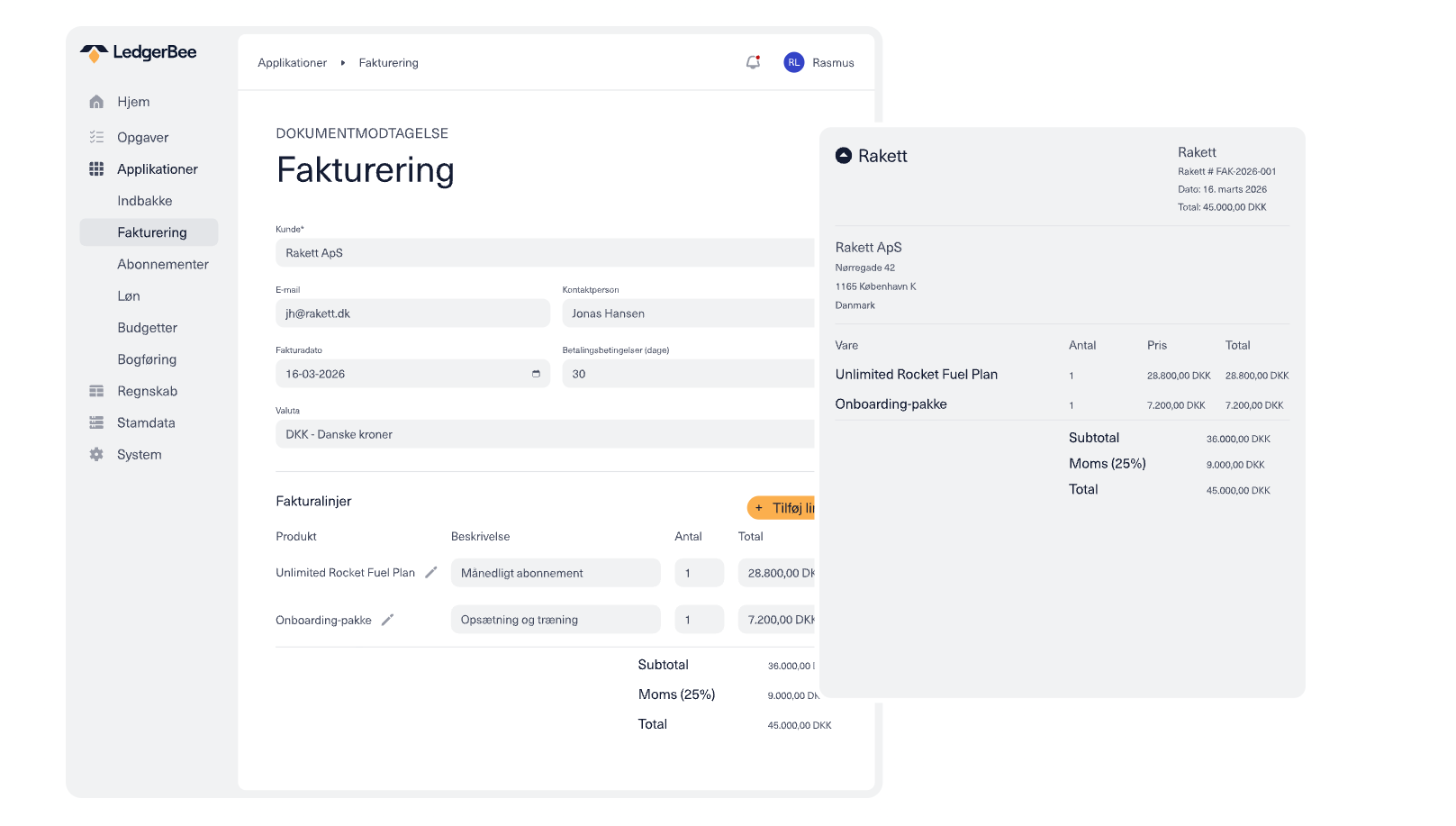
LedgerBee is a finance system for SMEs – and the accountants and bookkeepers who serve them – that want to bring all their finances together in one place. Invoice management is not bolted on. It is part of the system.
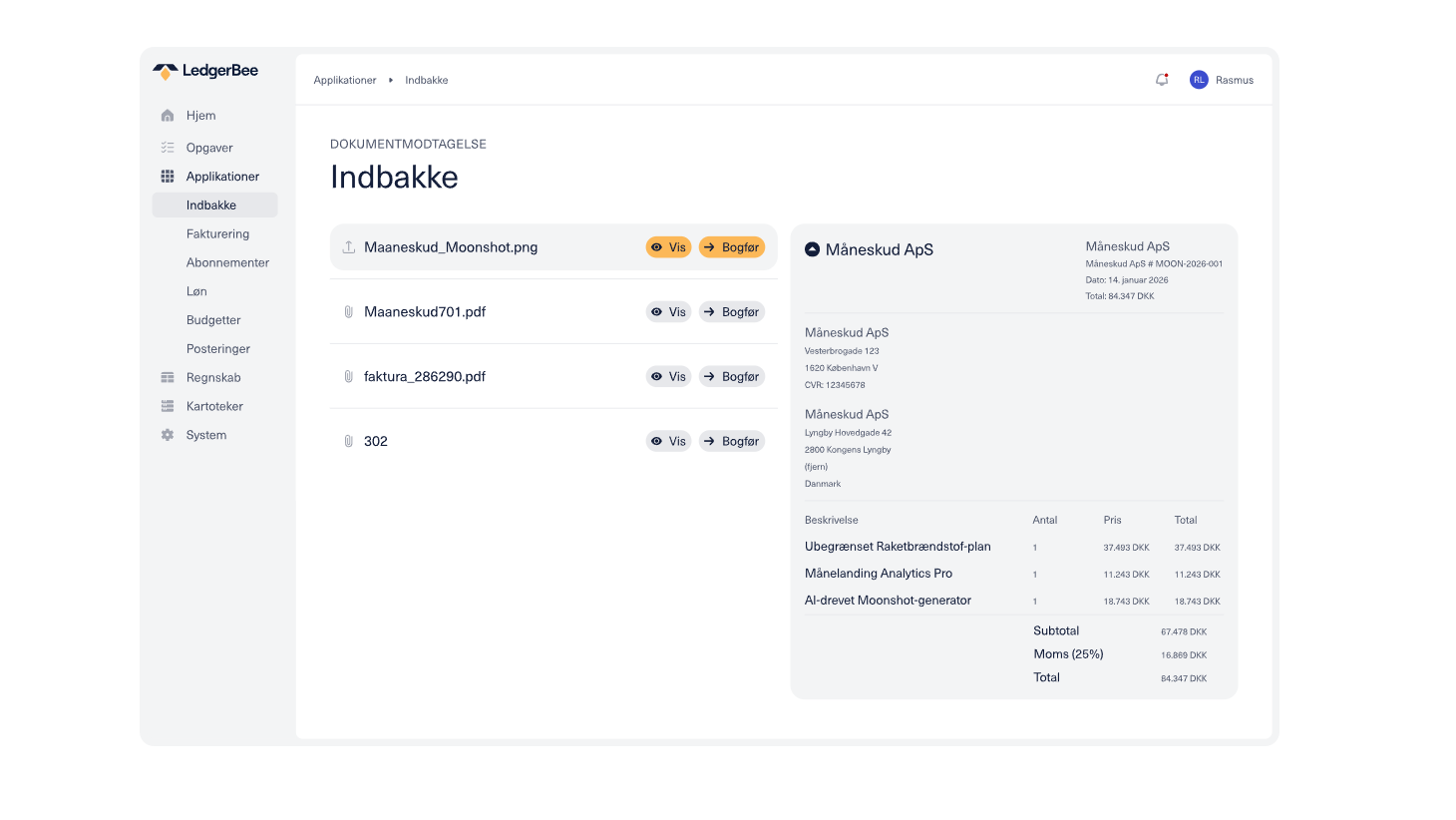
The invoice comes in via NemHandel, email or a photo from a phone. Hivey AI reads it line by line, suggests coding and finds the approver. Once it is approved, you pay it directly from LedgerBee via your own bank account, and it is posted and reconciled against the bank in the same place.
It is the choice for you if you do not want yet another system and yet another vendor – just to get your invoices paid.
See accounts payable in LedgerBee →
Four questions before you choose
- Where is the invoice paid? In the system, in an extra product or in online banking? Also ask what a payment costs.
- Does it read lines or only header fields? Lines are the prerequisite for coding per line. See the difference between OCR and AI.
- Is e-invoicing included in the price? Or does receiving cost extra, for example through a separate account? The background is in the guide to NemHandel and Peppol.
- What are you paying for? Users, vouchers or payments? Work out the total figure, including the accounting software alongside it – and compare it with what manual invoice processing costs you today.
Frequently asked questions
What is the difference between invoice management and invoice processing?
None in practice. Both cover supplier invoices from receipt to payment. Invoice processing is mostly used for the process, invoice management for the tool.
What does an invoice management system cost?
It depends on the pricing model. Some charge per user, others per voucher or as a plan with a number of vouchers per month. Several do not state prices on their website. Remember to add the accounting software and any fees per payment on top.
Is there an invoice management system for e-conomic?
Yes. Corpay One, Nordflow, Digisense and Pleo all list e-conomic among their integrations. They differ in where the payment happens and whether invoice lines are read.
Can all the systems pay the invoices?
No. Some pay from the system, others require an extra product or pass the voucher on to the accounting software. Ask specifically where the payment happens, and whether it is posted and reconciled automatically afterwards.
Do I have to switch finance systems to get automated invoice management?
No. An add-on can sit on top of the accounting software you have. If you are considering switching anyway, it is worth choosing a finance system where invoice management is built in, so you avoid the integration.
Want to see invoice management without the extension? Book a demo