



SMART APPROVALS
Approvals that move as
fast as your business
Stop chasing signatures and following up on stuck invoices. Ledgerbee routes approvals to the right people, nudges when things stall, and keeps a complete audit trail so finance keeps moving.

Join the companies already running on one system









.svg)



WORKFLOWS
Approval workflows built for how
finance actually works
Set the rules once. Hivey AI handles the rest - routing, reminders, and documentation.

Rule based routing
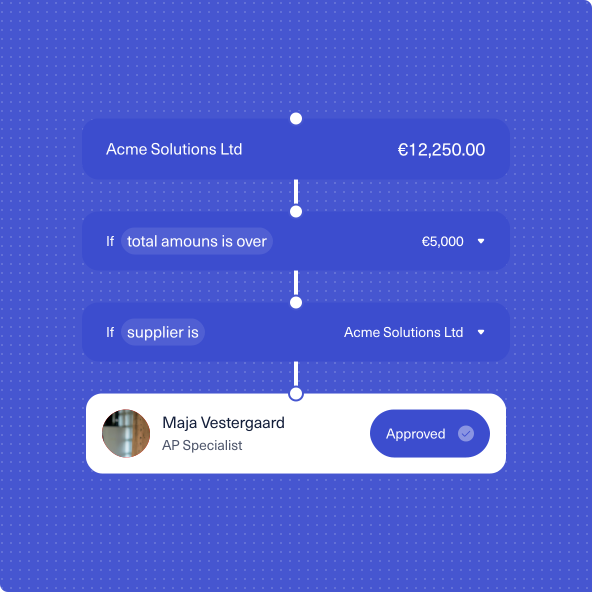
Define approval paths based on amount, vendor, cost center, or any combination. Invoices automatically go to the right approver without manual sorting.

Full audit trail

Every approval, rejection, and change is logged with timestamps and user details. When auditors ask questions, you have answers.

Approve from Slack or Teams
Approvers review and approve directly where they already work. No login required, no context switching - just a tap to keep things moving.

Automatic follow ups
When approvals stall, Hivey AI sends reminders to the right people at the right time. You stop being the one who has to chase.
THE WORKFLOW
From invoice to approval in three steps

Invoice arrives
Hivey AI reads the invoice, extracts the details, and matches it against your approval rules - vendor, amount, department, whatever you've defined.

Right person, right channel
The invoice routes to the correct approver automatically. They get a notification in Slack, Teams, or email with everything they need to decide.

Approved and posted
Once approved, the invoice is ready for payment and automatically posted to your books. Full traceability, zero manual handoffs.
CONTROL & VISIBILITY
Control without the bottlenecks
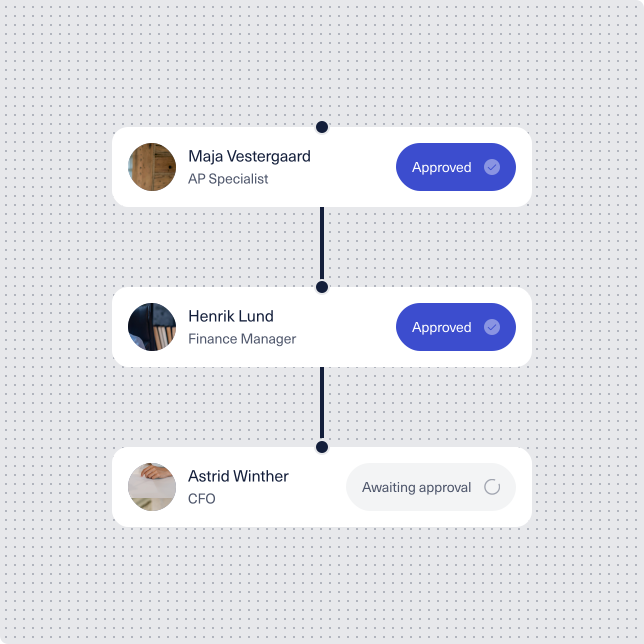
Flexible approval rules
- Threshold-based routing: Send invoices over a certain amount to senior approvers.
- Multi-level approvals: Require sign-off from multiple people in sequence or in parallel.
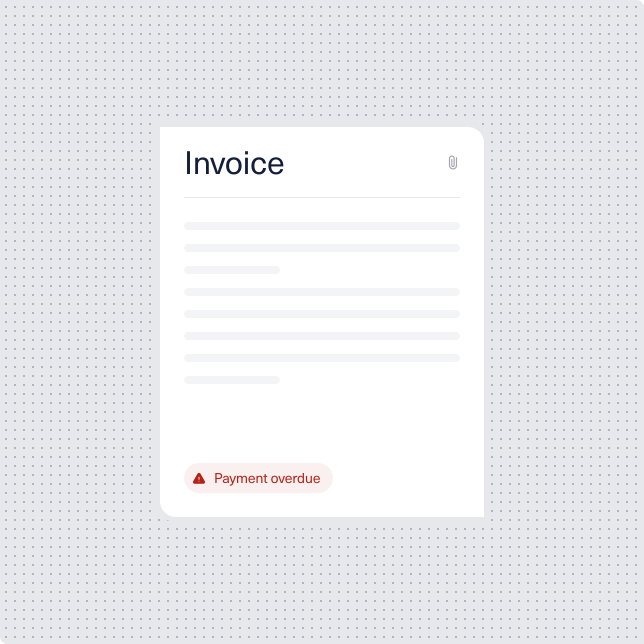
Visibility across the workflow
- See exactly where every invoice sits - pending, approved, or stuck - without digging through email.
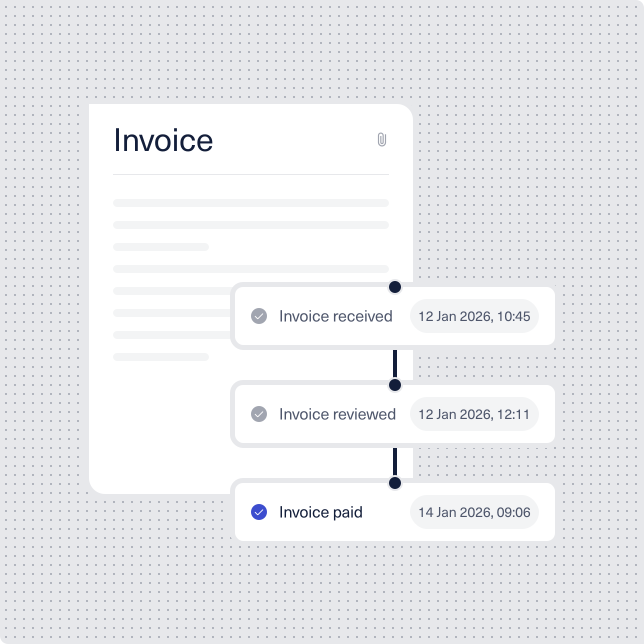
Built for audit and compliance
- Immutable audit logs: Every action is recorded and timestamped.
- Exportable records: Pull approval histories for audits, compliance reviews, or internal reporting whenever you need them.
"It started as a cost thing. But I quickly realised how much time I was spending juggling systems just to keep the day-to-day running. What began as a way to save money ended up solving a frustration I'd been carrying for a long time."

Lars Bo Koch
Founder & CEO – Revi - Solution

"With six companies behind me, I know all about drowning in software. With LedgerBee I brought everything into one place — no more integrations across four systems. Huge recommendation from me."

Jeppe Graversen
Founder & CEO – Zalye

"We save DKK 45,000 a year, and I can finally report to investors with full confidence. LedgerBee brought everything into one place — the onboarding was on a completely different level."

Nicklas Stokholm
Founder & CEO – Bubbles

"We had 6–7 systems and three vendors who couldn't figure out where the error was. With LedgerBee we got one platform and one vendor that takes responsibility. When we need something, we're talking weeks — not months."

André Lundberg
Founder & CEO – FreightSolutions